Can anyone point me to an online tutorial on how to use photoshop to white balance my pictures using photoshop? I know I've seen something posted here before but I just can't remember where.
Thanks!
jb
-----
Jonathan Brady
"Sarcasm is angers ugly cousin" -Dr. Buddy Rydell (Jack Nicholson) in "Anger Management".
Reptile & Amphibian Forums
Welcome to kingsnake.com's message board system. Here you may share and discuss information with others about your favorite reptile and amphibian related topics such as care and feeding, caging requirements, permits and licenses, and more. Launched in 1997, the kingsnake.com message board system is one of the oldest and largest systems on the internet.



White balance calibration...
Jonathan_Brady
Aug 07, 2007 07:21 AM
Replies (4)
RyanHomsey
Aug 07, 2007 08:17 AM
proper white balance requires a card. The best $30 youll ever spend for photos IMO.
http://www.whibalhost.com/_Tutorials/WhiBal/01/index.html
-----
www.topnotchboas.com
liquid-leaf
Aug 07, 2007 08:32 AM
Ryan's right. I think you're getting two things a little confused.
White Balance actually is set on the camera before taking pictures. You get a calibration card, and if your camera has the settings for it, you can use the card with the camera to tell the camera what color "white" is under given lighting, and can help yellowish or bluish casts from appearing in your photos.
In Photoshop, you can't adjust white balance, since that's a camera setting. You CAN, however, adjust the colors in the photo to adjust for less-than-ideal pictures.
To do this, you can play around with a bunch of options, but the easiest may be to use the Image menu. Click Image in the top menu bar, and then select Adjustments. That will pop out a submenu. You can choose Brightness/Contrast and play with those settings, just play around with them, you'll see what they do. Another good one in the Adjustments submenu is Color Balance. You can tweak each of the color channels in the photo here, to make it appear less blue, or more red, etc. The Hue/Saturation tool (also in Adjustments) is also good, it all depends on what you want to do.
Using a combination of them will probably get you what you want. You can always cancel if you don't like a setting (previews are great), or use the History (undo) menu if you want to go back to a step you did earlier.
Good luck! Photoshop is fun if you know where to start looking. It can be overwhelming at first if you don't know where to find what you need.

-----
Lauren Madar - OphidiaGems.com | CageMakers
1.0 BP, 1.0 Hog Is., 1.1 Hypo BCI, 1.1 Surinam BCC, 0.1 GTP
Horridus
Aug 07, 2007 09:35 AM
I use an Expodisc, it's a great alternative to the grey/white cards. The website has tutorials on it's use. REALLY saves time in the field.
http://www.expodisc.com
TnK
Aug 07, 2007 04:23 PM
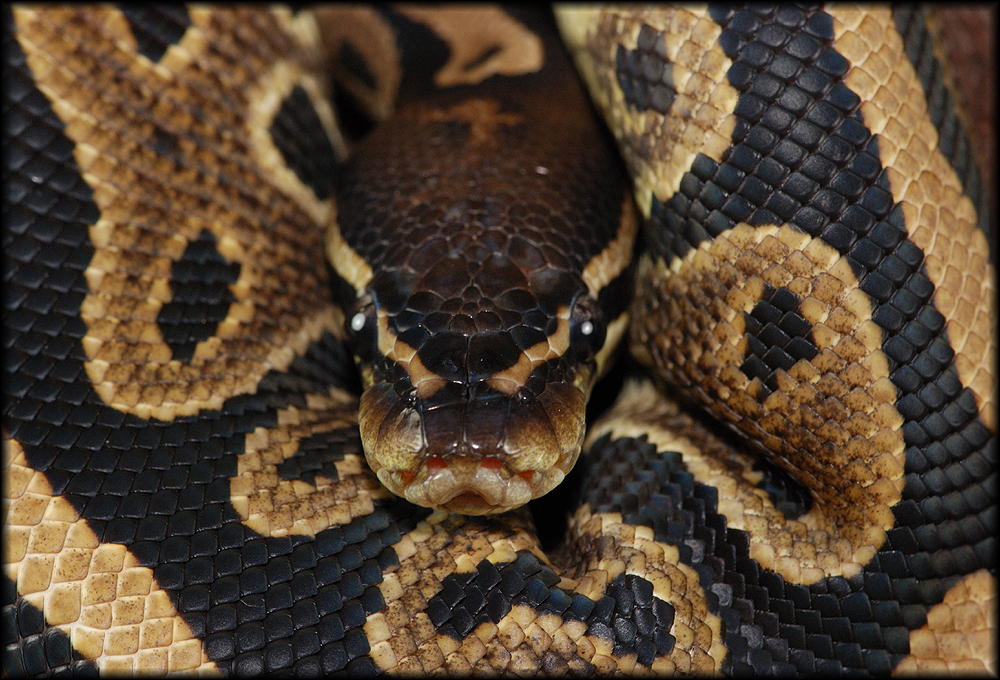
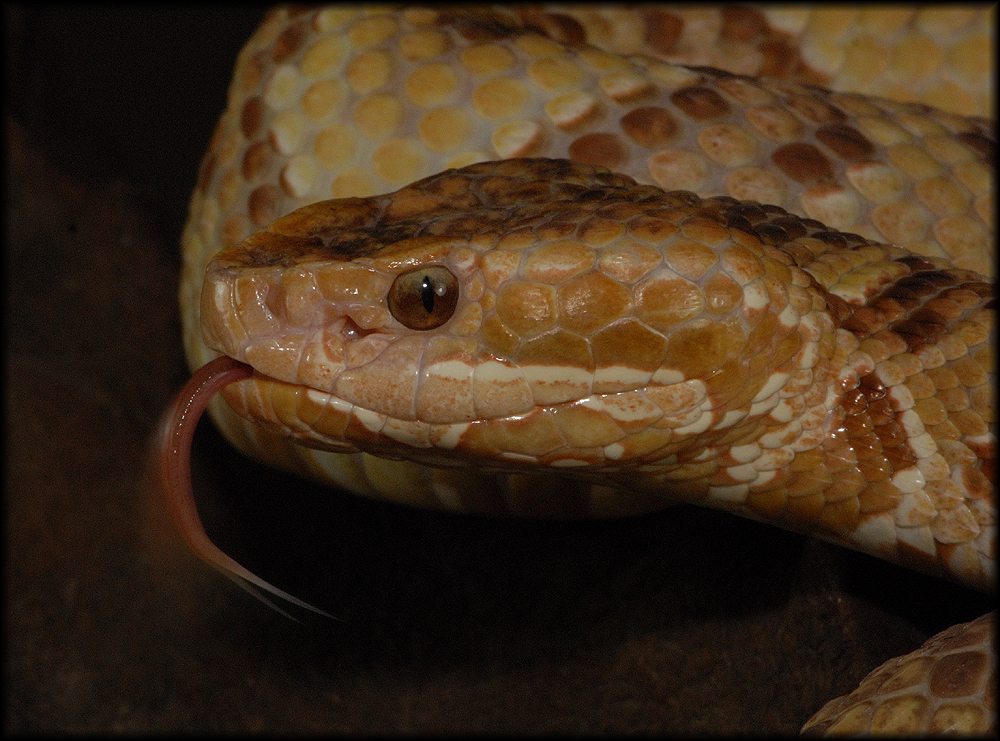
Nice shot on that Copperhead 
TnK
>>I use an Expodisc, it's a great alternative to the grey/white cards. The website has tutorials on it's use. REALLY saves time in the field.
>>
>>http://www.expodisc.com
>>
>>
>>
